Read less
Read less: AI summaries and Open, Replied, Closed
Every email summarised in a couple of sentences, written to you, with a status worked out from your Sent mail so you can see at a glance what still needs you.
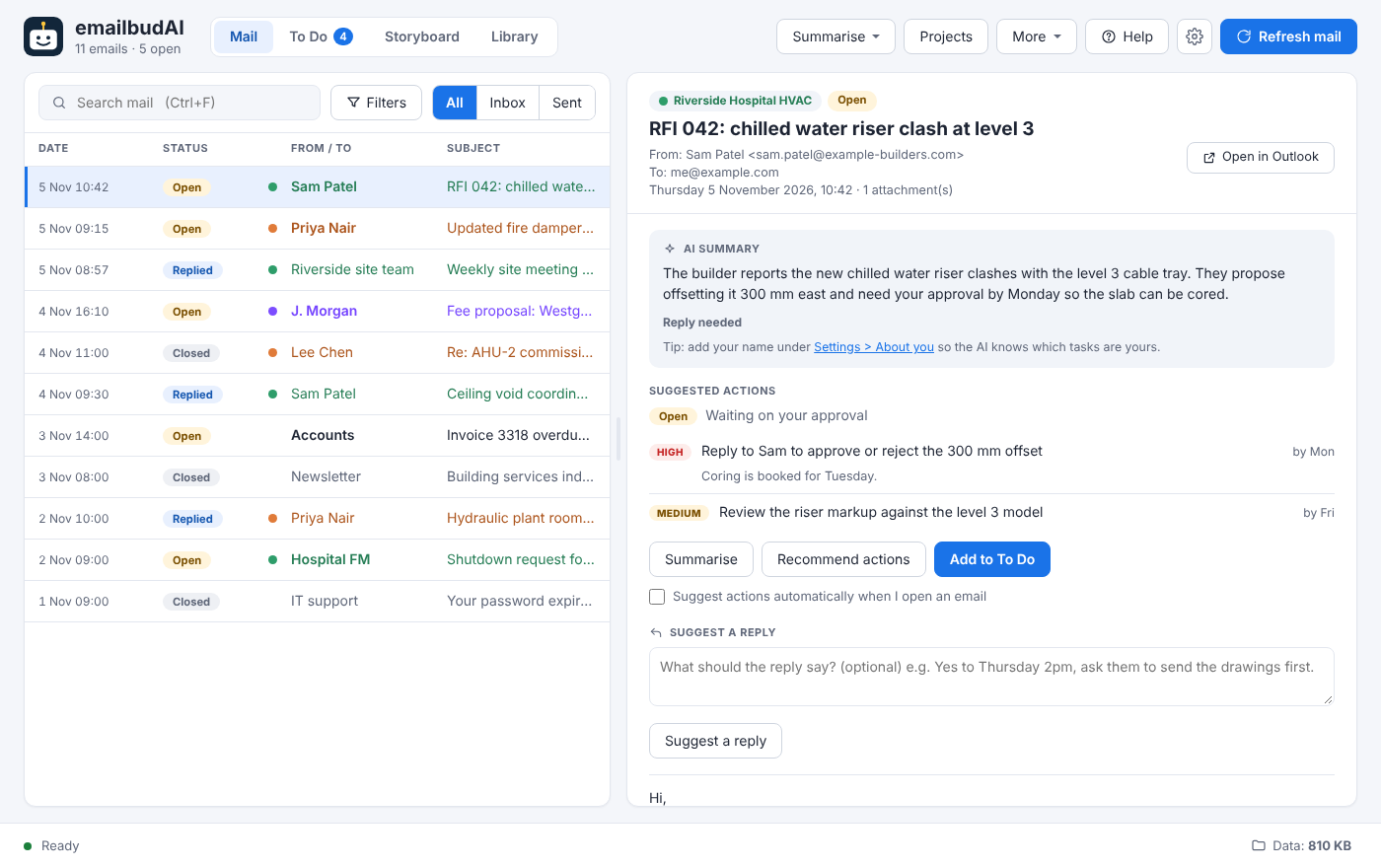
emailbudAI's first job is to save you reading. It summarises each email in a sentence or two, newest point first, and marks whether you still need to do something about it.
Summarise a batch
Open the Summarise menu and choose how much:
- Latest 10 or latest 50 emails,
- everything from the last day, week or month,
- or new emails since the last run (this is what the scheduler uses).
Work goes newest first, and emails already summarised are skipped, so running it again costs nothing. Press Esc or click Cancel at any time; finished summaries are kept.
Written to you
With your name in Settings > About you, summaries read like a colleague briefing you: “Kate asked me to send the riser schedule by Friday”. The summary also says whether you were asked directly or only copied in.
Open, Replied or Closed out
emailbudAI reads your Sent mail and the conversation, most recent message first, to decide each email's status:
Filter the list to Inbox or Sent, search with Ctrl+F, or use Filters for sender, recipient and dates.
Long threads
Each AI model reads up to a set amount of text. A thread is always read from the newest message back, and disclaimers, “Sent from my iPhone” and signatures are removed first so more of the real conversation fits. If part of a long thread still isn't read, an amber note says how much, so you know to check the older messages yourself.